
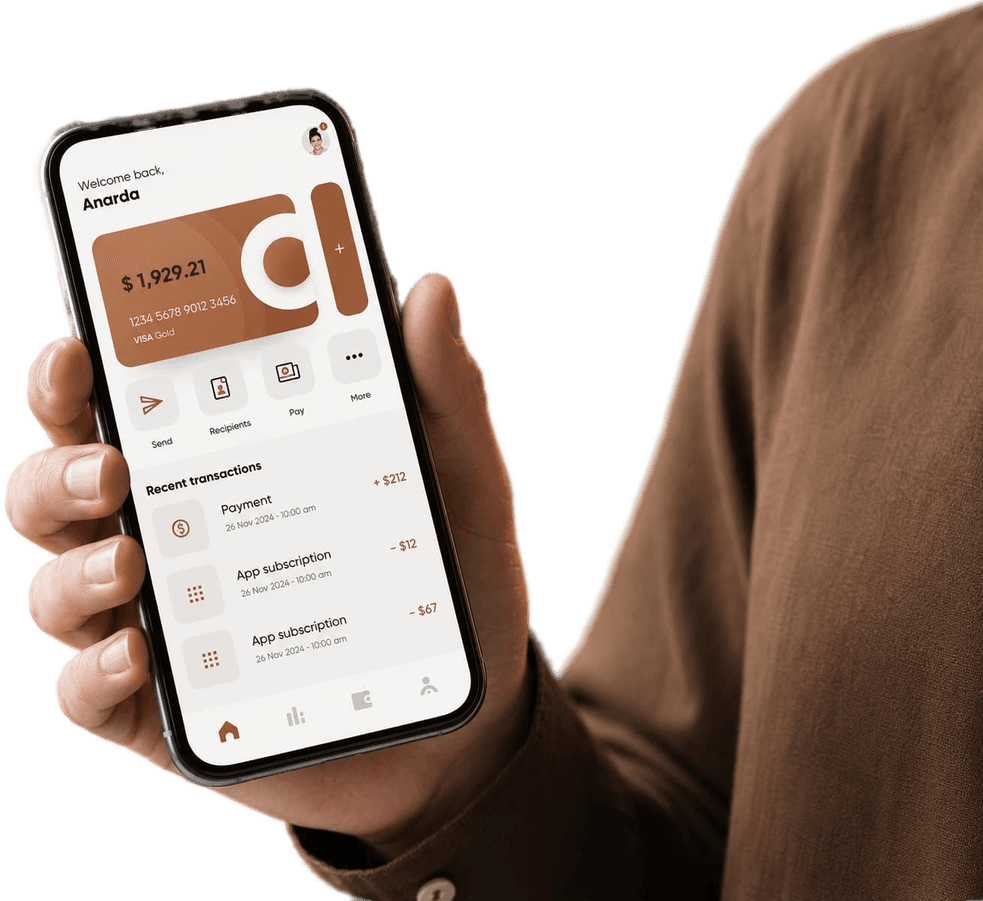
Mobile banking safety checklist: 10 habits every customer should use daily.

Users should keep app and OS updates current and avoid sharing one-time codes under any circumstance.
Transaction notifications and account activity reviews can quickly flag suspicious behavior.
Simple defensive habits significantly reduce account compromise risk in day-to-day digital banking.

Use unique passwords or a password manager so a breach elsewhere does not unlock your banking app.
Public Wi-Fi should be avoided for sensitive sessions; cellular data is generally safer for quick transfers.
Lock screens with biometrics add friction for thieves if a device is lost at a café or airport.

Scammers impersonate bank hotlines; always initiate contact through official app numbers or websites.
Screenshot sharing of balances or card details on social media invites targeted fraud attempts.
If a phone number port-out is attempted, carriers now offer PIN locks—enable them before trouble starts.

From a financial safety & awareness perspective, this update highlights how you can make better decisions with clearer tools, stronger visibility, and more predictable outcomes across your financial workflow.
Practical takeaway: treat this release as an operating upgrade — review your current processes, identify one high-friction step, and measure improvement after adopting the new KitBank capabilities.
Teams that document before-and-after metrics (speed, cost, error rate, or customer satisfaction) usually see the value fastest and can justify further rollout across departments.
Looking ahead, KitBank will continue refining this area with user feedback, measured rollouts, and practical education so you and your business can confidently adopt each improvement.
If you want help applying these changes to your own setup, explore related products in the app or reach our support team for a guided walkthrough tailored to your goals.